How to get the render you meant.
Five short guides for cabinet makers using Asterlyn Space. Each one names the actual buttons in the app, says what they cost, and says where the limits are.
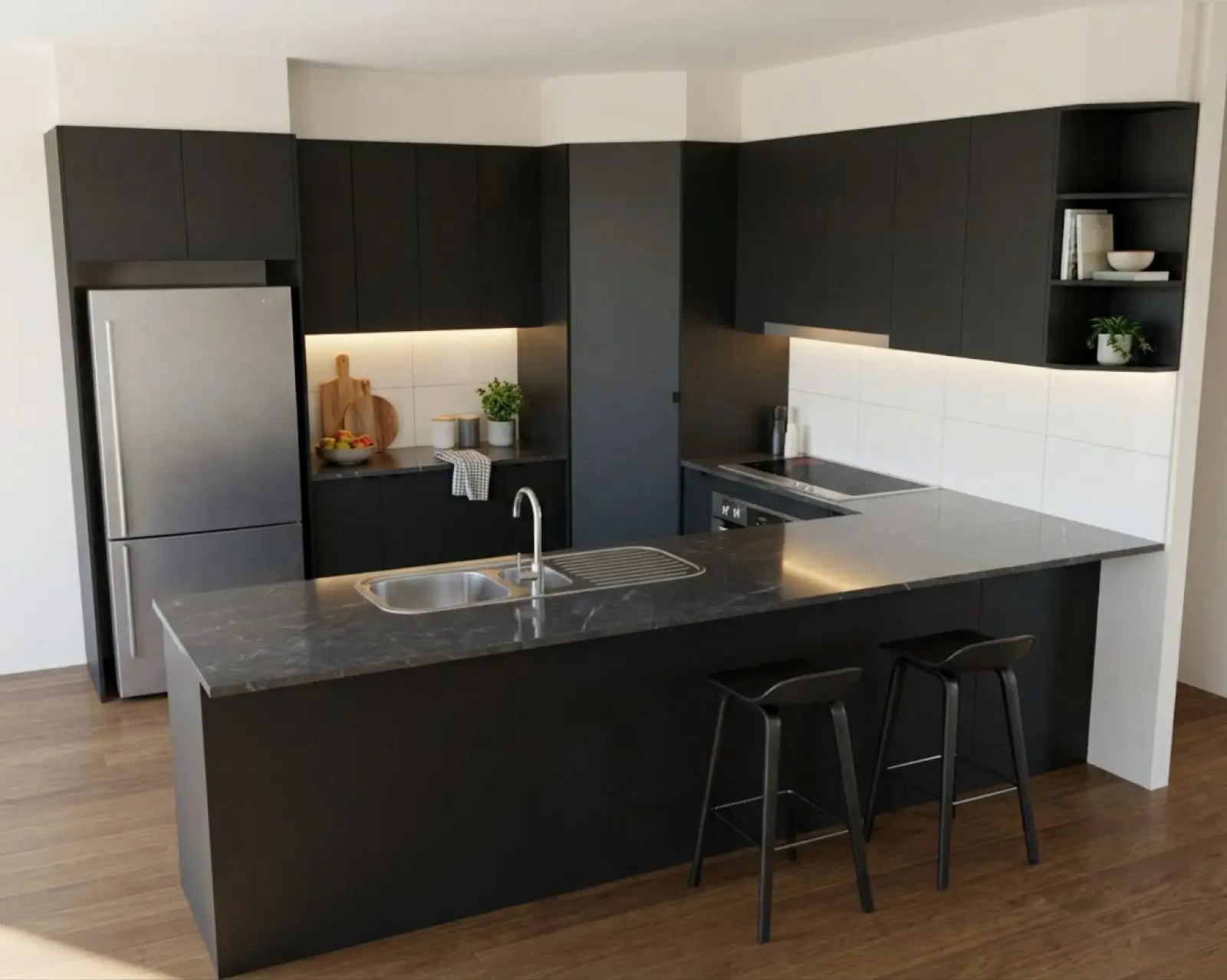 Before you render
Preparing a drawing
What to upload, sheets with several drawings on them, the grey feature tick, and checking what was found before you spend a credit.
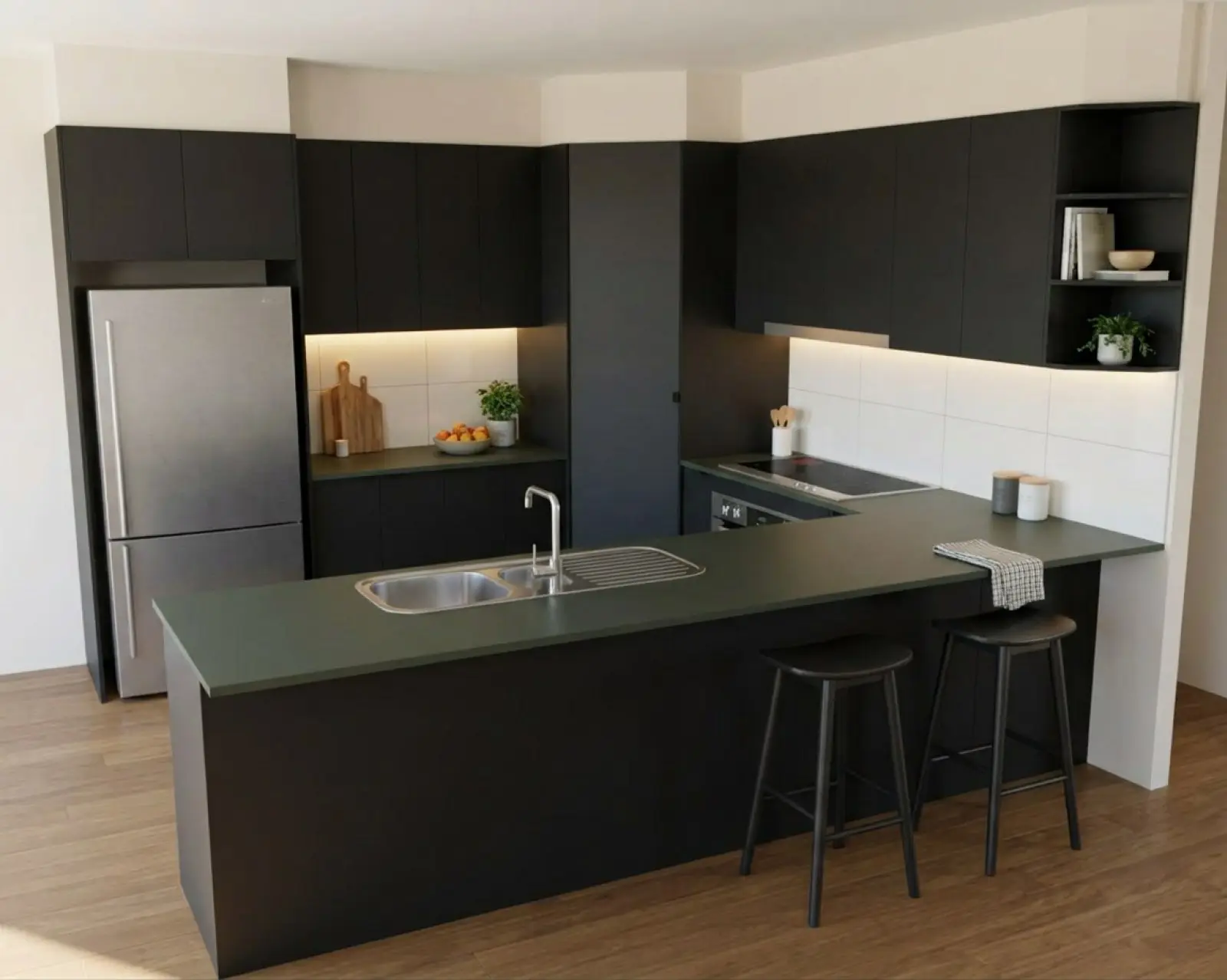 Colours
Matching a supplier colour
Paste the supplier’s own swatch, pick the right spot off a patterned stone, and know why the screen and the sample will differ.
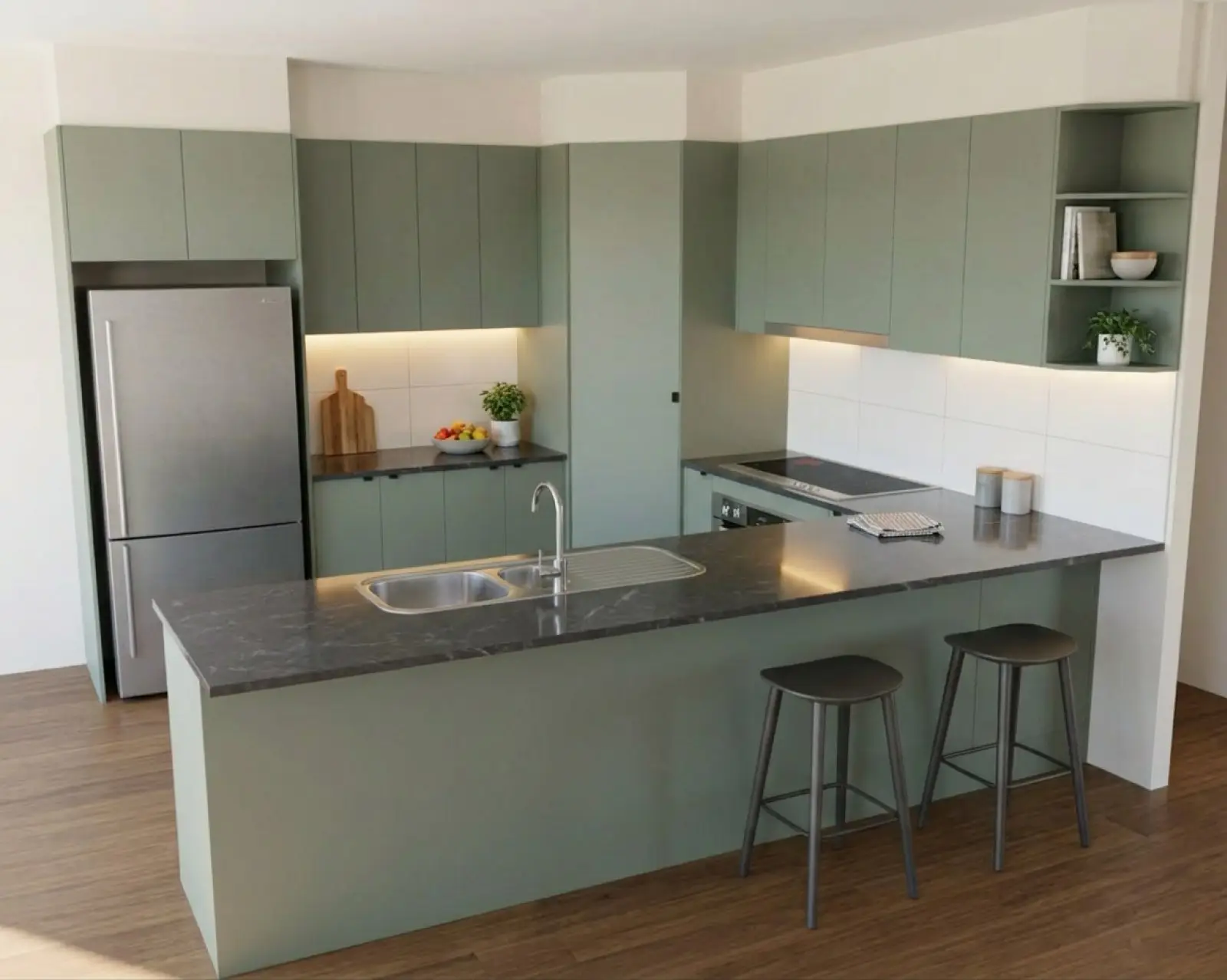 Changes
Fixing part of a render
Mark the part that is wrong and change only that. Which refine type to pick, how to word it, and when to draw the room again.
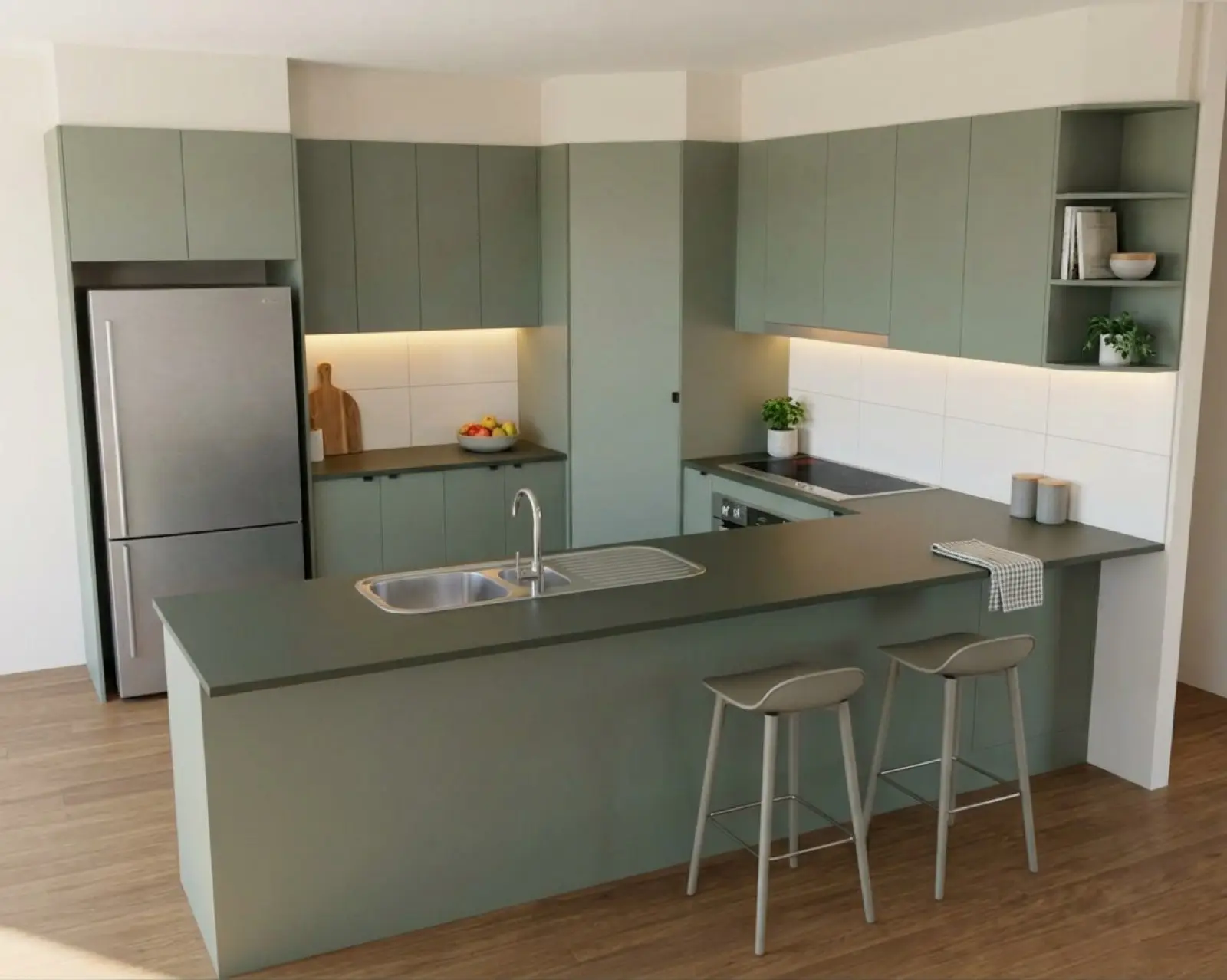 Photos
Rendering a photo of an existing kitchen
New finishes on the kitchen that is there now, keeping the room, the light and the camera. What to photograph and where it stops.
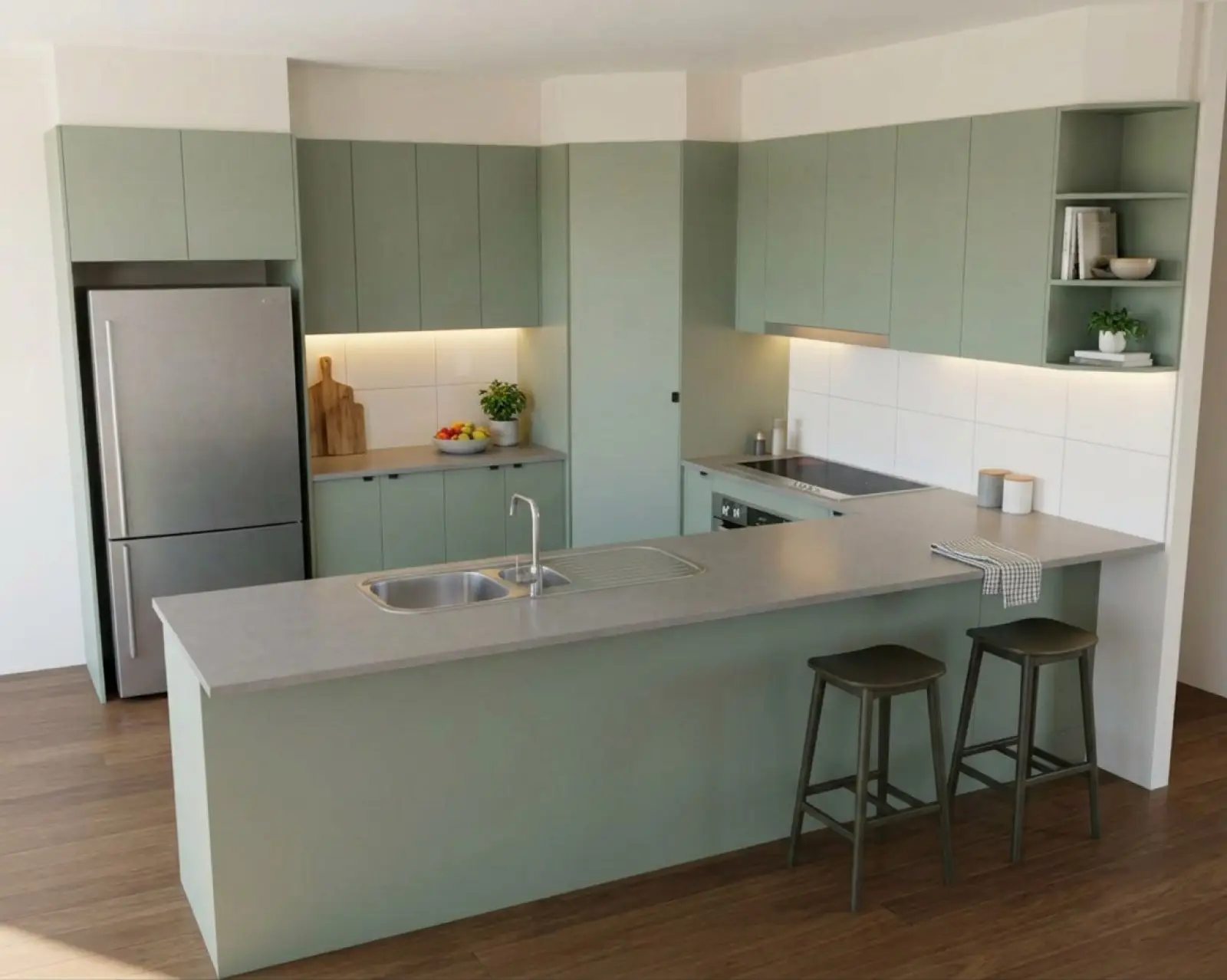 Selling
Showing the customer
Using renders in the sales conversation: versions to compare, one change made live, a 2K final, and being straight about what a render is.
Renders are AI-generated. They closely match the finishes you pick, but they aren't exact. Check real samples before you order.
Other places to look.
Quick answers about plans, credits, the trial and your data are in the FAQ. What changed in the app and when is on the changelog. For a walk through the whole process from upload to download, start with how it works.
Try it on a drawing you already have.
Your first five renders are free. No card needed.