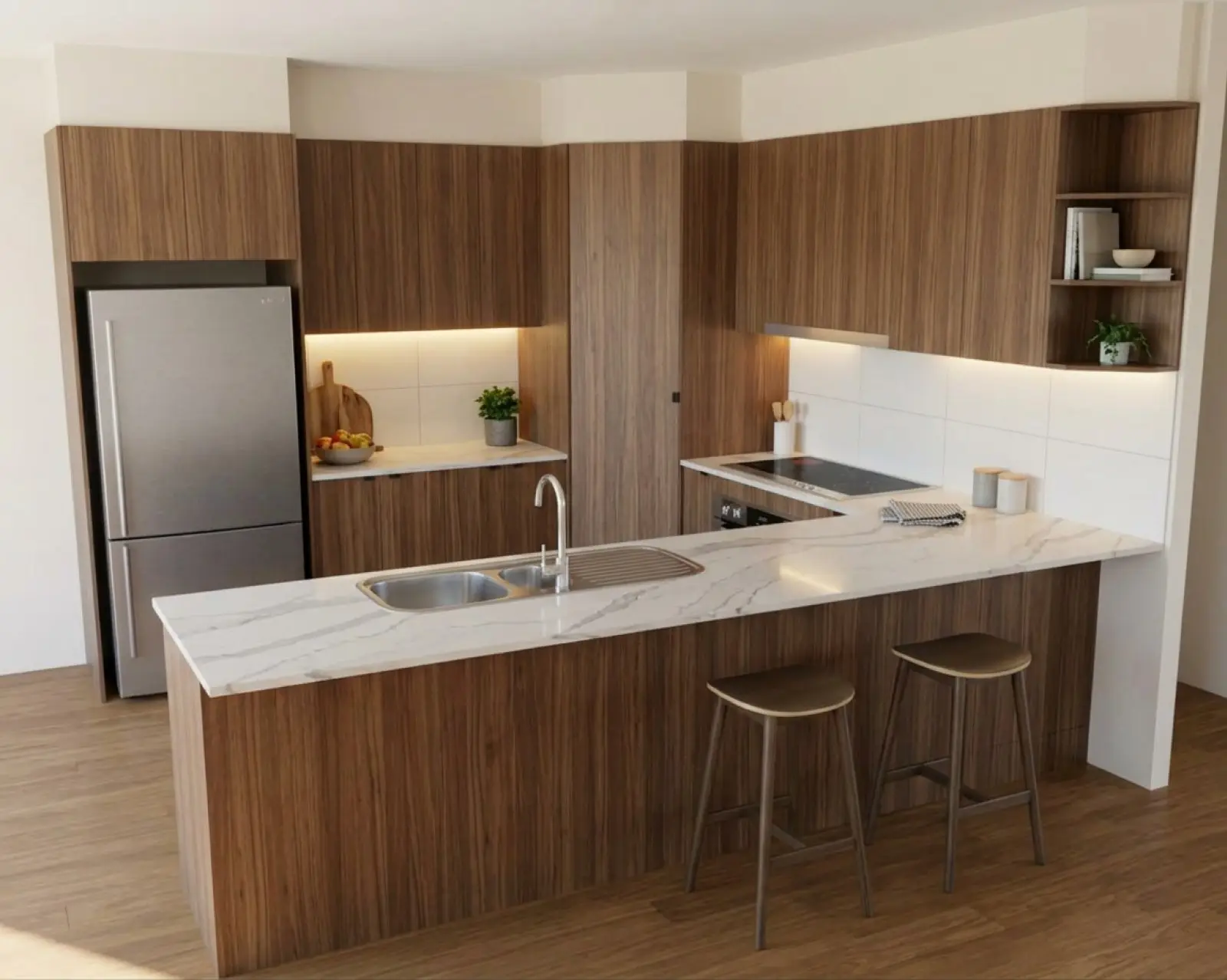
Walnut cabinets. A real Asterlyn Space render.
One account for everyone who works on the job.
Every Asterlyn Space plan includes a set number of users. Each person has their own login, and projects, renders and materials sit with the team, where whoever picks the job up next can find them.
A user for each person.
Named users, no shared logins
Every person has their own login. One login shouldn’t be shared between several people, and each user can be given the role that fits their job.
Every team member and each invitation still waiting to be accepted counts towards the user limit. When the limit is reached, a new invitation is refused until a place opens up, either by removing a member or by cancelling an invitation. Every plan has every feature, so the plans differ only in credits, users and storage. The pricing page has the detail.
Image brief
Product screenshot: team members and pending invitations with roles and user limit visible. Blur names and email addresses; use a demo team, not customer data.
- Starter · US$29 a month
- 2 users
- Studio · US$79 a month
- 5 users
- Pro · US$199 a month
- 15 users
Add someone in three steps.
Open the team’s settings
Go to Teams, pick the team and open its settings. Team members and pending invitations are listed there.
Invite by email
Enter the person’s email address and choose their role: Admin, Designer or Viewer. They get an email with the invitation.
They accept it
They accept from their own login and land in the team’s projects. An invitation lasts three days. A pending one can be cancelled, which frees a place for another user.
Who can do what.
Each person on a team has one role. It is chosen when they are invited, and the Owner can change it later.
Owner
Everything. Renames the team, invites people, changes roles, removes members, looks after billing and can delete the team. Each team has one Owner, who can’t be removed.
Admin
Everything a Designer can, plus renaming the team, sending and cancelling invitations, billing, and deleting projects.
Designer
Creates and edits projects, uploads drawings, renders and refines, deletes renders, and adds or edits materials and categories in the team’s library.
Viewer
Opens the team’s projects and looks at the renders. Can’t render, upload or change anything.
Only the Owner can change someone’s role or remove a member. An Admin can send and cancel invitations but not change roles. The Owner role isn’t one you can hand out with an invitation.
Every project and every version, for whoever picks it up.
The job stays with the team
Projects belong to the team, not the person who made them. Everyone on the team can open every project: the drawing as uploaded, what was read from it, the materials picked, and every render made from it.
Every pass is kept as its own version. A colour change, a refine, a relight or a photoshoot adds a new version and leaves the one before it where it was. Compare two with the slider or side by side. So when the customer rings back and asks for the benchtop (countertop) they saw last week, whoever answers the phone can find it.
Credits are shared too. The team has one balance, and every render anyone makes comes out of it.
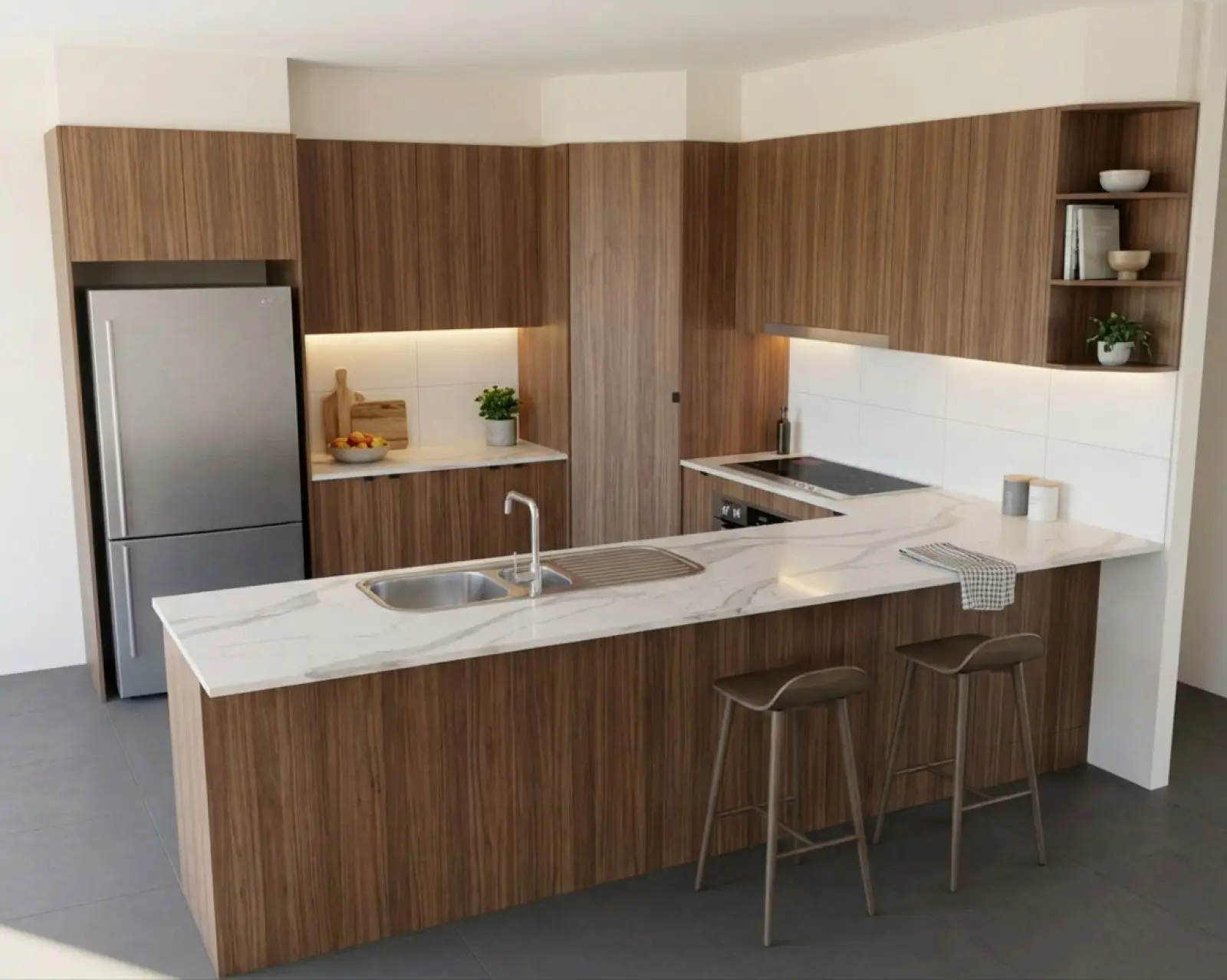
Renders are AI-generated. They closely match the finishes you pick, but they aren't exact. Check real samples before you order.
One library for the whole team.
Materials added once, used by everyone
Colours and finishes added to the team’s material library, and the categories they are sorted into, are there for everyone on the team to pick. Designers, Admins and the Owner can add and edit them. Viewers can’t change the library.
A supplier swatch pasted into the studio is different: on a surface it is kept for that project only, and nothing joins the library. More on colours and materials.
More than one team on one login.
Separate teams, separate everything
You can create more than one team and belong to several, then switch between them from the same login. Each team is its own workspace, with its own plan, credits, users, projects and material library. That suits a workshop that keeps two trading names apart.
The free trial belongs to the person, not the team. A second team on the same login doesn’t get another five free renders.
Set the workshop up on one account.
Your first five renders are free. No card needed.