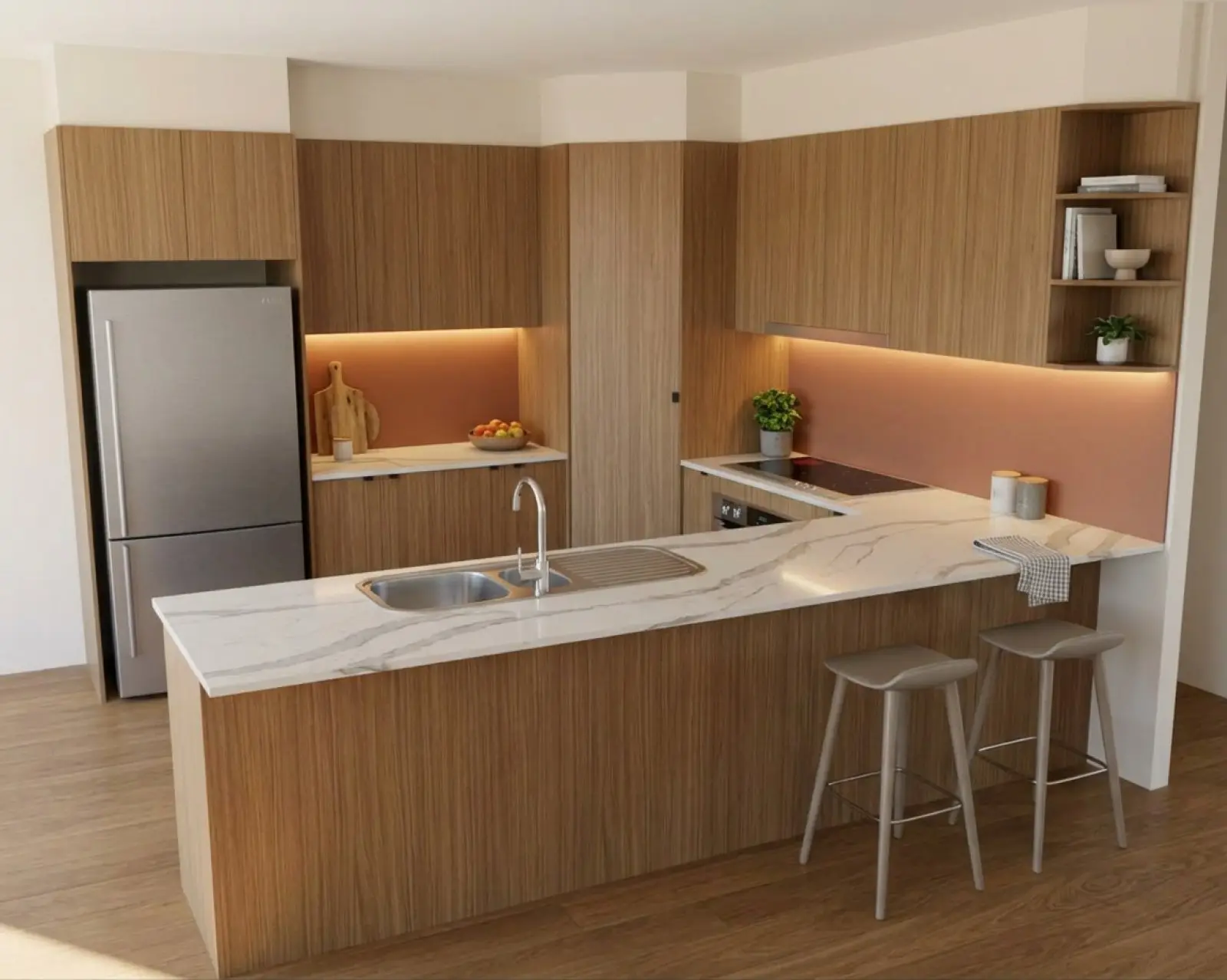
A kitchen render with oak cabinets and a terracotta splashback.
Help for getting a good render.
How-to guides, straight answers and a record of what’s changed in Asterlyn Space. Written by the three of us who build it, one of whom has been making kitchens for over twenty years.
Renders are AI-generated. They closely match the finishes you pick, but they aren't exact. Check real samples before you order.
Get more out of each credit.
The guides cover the things that come up most in our help: a drawing read as the wrong kind of file, a mark that stops short of the run, an instruction that names a thing without saying what to do with it.
- Guides
Guides
Five how-to articles: preparing a drawing, matching a supplier colour, fixing part of a render, working from a photo, and showing the customer.
- FAQ
Questions before you buy
What it does and what it won’t, how credits work, the free trial, teams, and what happens to your uploads.
- In the app
The in-app help
The questions makers ask once they are in the studio, with the steps for each. Open it from the app’s menu any time.
Check the facts.
- Changelog
What’s changed
Every change you would notice in the app, newest first, written in plain words and dated.
- Compare
Compare the options
How an AI render from Asterlyn Space sits next to a render artist, your own CAD renders and general AI image tools.
- Your data
Your data
Where your drawings and photos are kept, who can see them, and our promise not to train AI on them.
When you are stuck.
Email us.
We answer our own email. For help with the product, write to support@asterlynspace.com. Send the project name and the render number (the # shown on the render) and we can look at exactly what that render was asked to do.
We reply in Queensland business hours, Monday to Friday. If you want to see it working on a drawing of your own first, book a demo or read how it works.
Try it on a drawing you already have.
Your first five renders are free. No card needed.