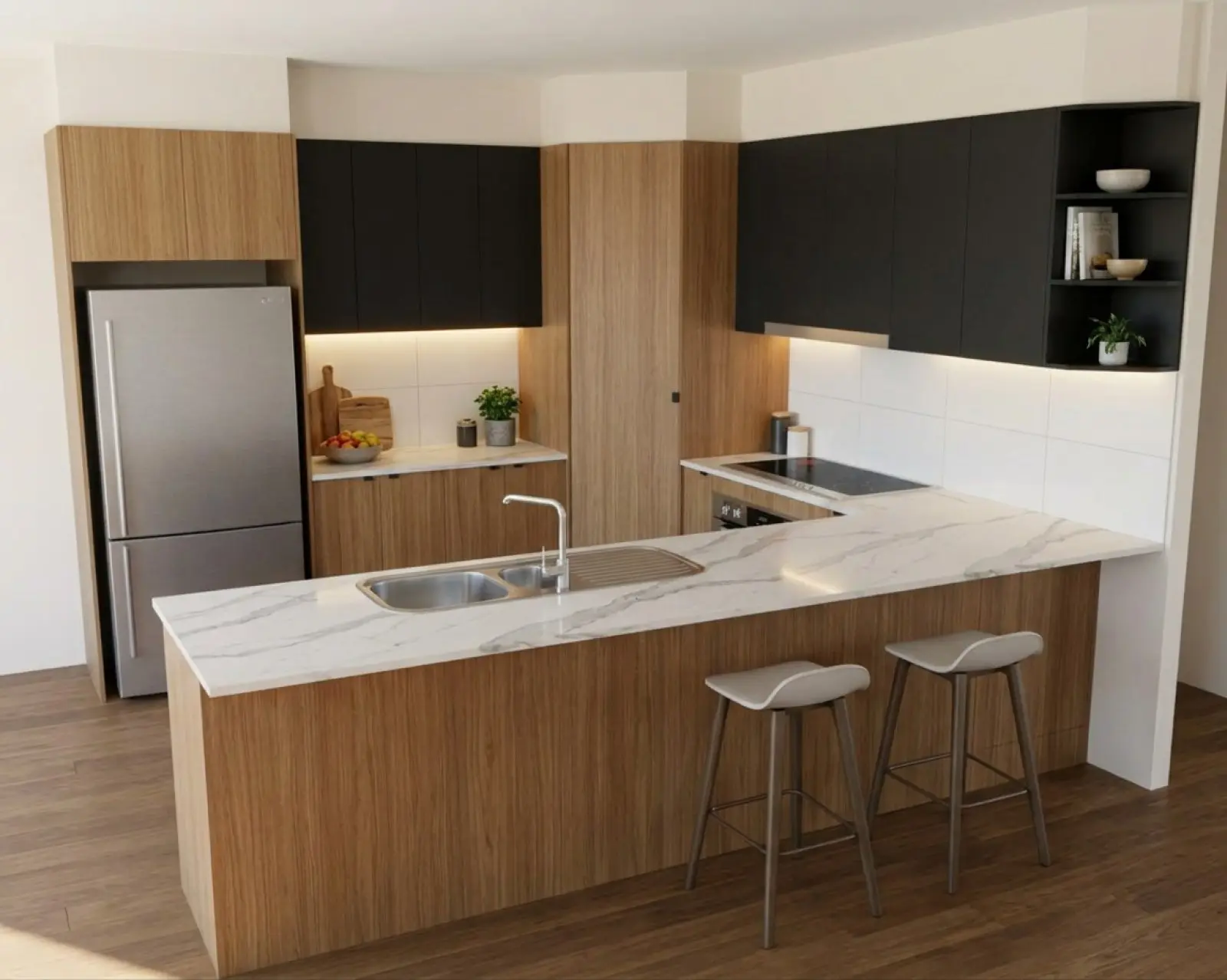
Oak cabinets with the overheads changed to matte black.
Change one thing after, for one credit.
For cabinet makers, edit an AI kitchen render made from your drawing by changing a cabinet run or refining one marked area. Each pass starts from the selected version and is built to leave the rest as it was.
One run, two more finishes.
The same oak kitchen as the picture above. Between the three, only the overheads changed.
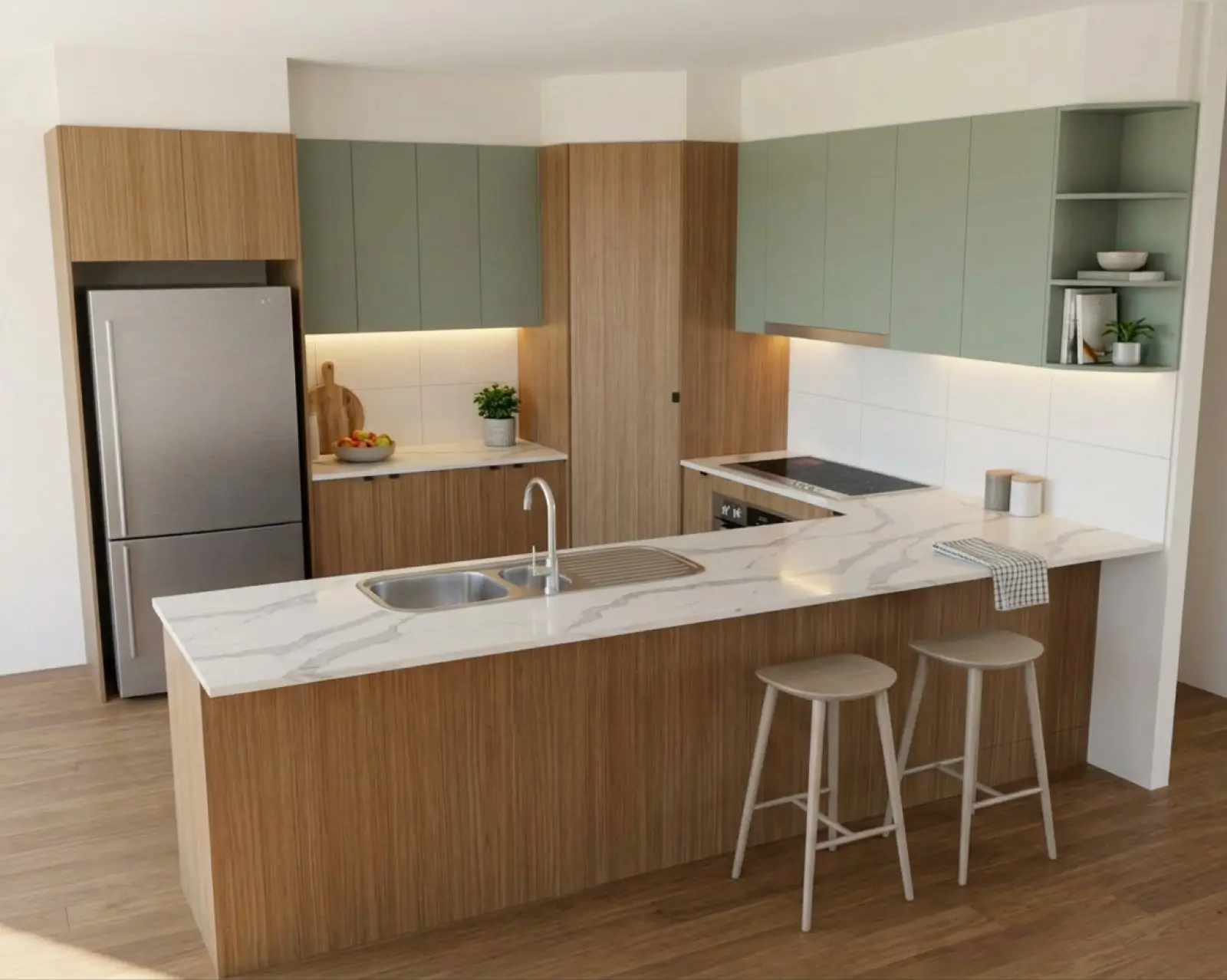
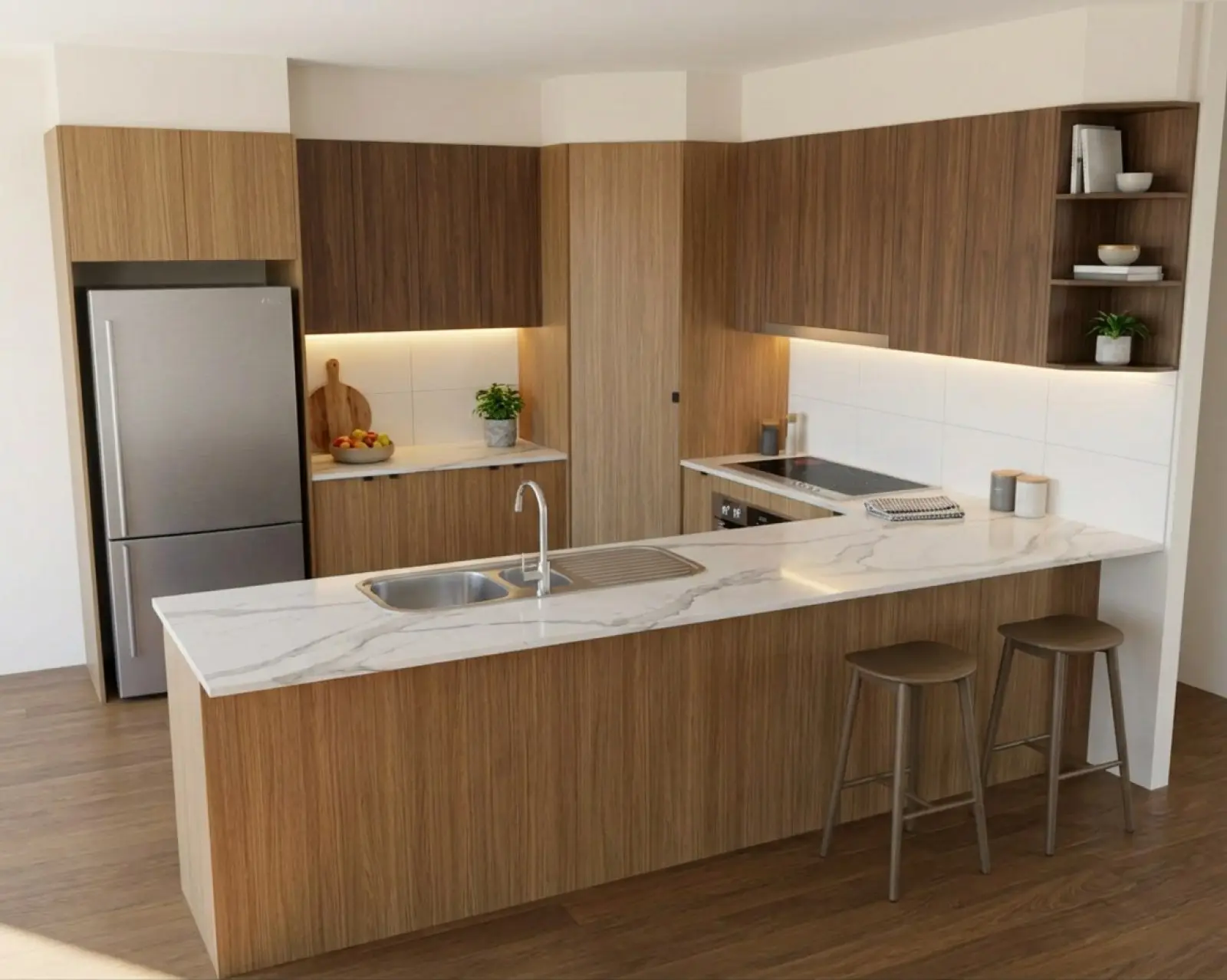
Renders are AI-generated. They closely match the finishes you pick, but they aren't exact. Check real samples before you order.
Fix the part that's wrong.
A fresh render re-rolls everything, including the parts that already came out right. Fixing one part is cheaper and safer.
A whole run, or part of one.
A whole run is a colour change. Set the new colour in the Materials panel and apply it. That re-renders the selected picture with only the colours you changed, for one credit however many colours that is.
Part of a run, one item, or anything that isn't a colour, is a refine. You mark the area on the render, pick what kind of change it is, and render. Each refine is one credit.
Pick the render and choose Refine.
Refine works on the picture you have selected, so pick the version you want to build on.
Mark the area.
Draw a box or a shape around what should change. Cover the whole run, right to where it ends.
Choose the kind of change.
Appearance, Object / detail, Text instruction or Handles.
Say what it should be, and render.
Everything outside your mark is built to stay as it was. The result arrives as a new version.
Four kinds of change.
- Appearance
- Changes the colour, material or finish of what you mark, and nothing else. Doors stay the same doors and handles (pulls) stay put. Pick a colour from your library, or paste a supplier swatch and take the colour off it.
- Object / detail
- Lets the marked area change shape: a wine rack added, a shelf taken out, a cooktop swapped. Appearance only recolours what is already there.
- Text instruction
- Describe the change in your own words. Mark an area to change one spot, or mark nothing to change the whole render.
- Handles
- Changes the handles and the edge detail of the fronts, and nothing else. Mark nothing; say which fronts. More on the doors and hardware page.
Marking the area.
Use the rectangle or the shape tool. Cover the whole run, right to where it ends. If your box stops halfway along a door, we push the edge out to the nearest join, but a box that clearly covers the run is more reliable. A mark that clips the edge of a door can change less than you expect.
Image brief
Product screenshot: a rectangle or shape mark covering an entire cabinet run in the refine tool, with the selected refinement type visible. Follow with an approved result from the same project when available.
How to phrase a change.
Say what it becomes.
Say what the area becomes, or what to do to it. A change that only names a thing gives the render nothing to act on.
- "Plain painted wall, no cabinet" works. "Wall colour" doesn't.
- "Make these overhead cabinets matte charcoal" works. "Overhead cabinets" doesn't.
Words like "dark grey" cover hundreds of greys and leave the shade to chance. Paste the supplier's swatch into the text box and pick the colour with the dropper. The guide to fixing part of a render goes through more examples.
Nothing is thrown away.
History and compare.
Every pass is kept as its own version: the first render, each colour change, each refine, each lighting or photoshoot pass. They sit in the history as thumbnails, so you can go back to an earlier one and refine from there instead.
Compare puts the source beside the render, either with a slider or side by side, so you can check the render against what you drew. Download the version you want to send. Everyone on the team sees the same history, so whoever picks the job up next starts where you left off.
Take it up to 2K at the end.
Once the customer is happy, take the render you settled on up to 2K, about 2500 × 1700. It's drawn again at size rather than enlarged, and costs 2 credits. It arrives as a new version, and if anything comes back changed, nothing is delivered and the credits go back.
Do it last. Each pass redraws the last one, so fine detail softens a little after several changes. The studio tells you when a picture has been through a few. Taking it up to size draws the room again and brings that detail back.
What an edit can't do.
Change the part the customer asks about, not the whole picture.
Your first five renders are free. No card needed.