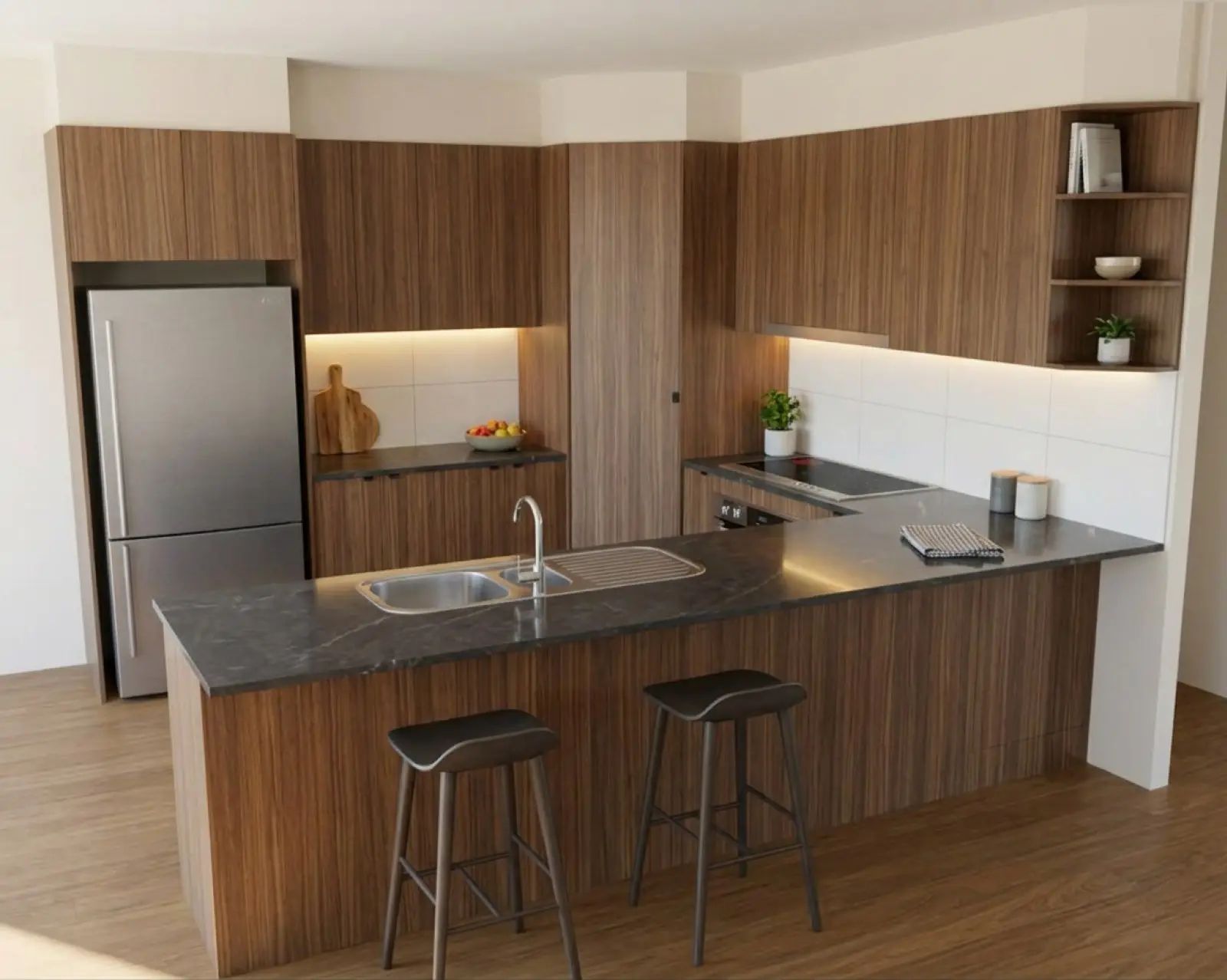
Walnut cabinets and a charcoal marble benchtop (countertop), with a flat glass cooktop under a slimline rangehood, a double bowl sink with a drainer, and a stainless fridge.
The right cooktop, the right hood, the right sink.
For cabinet makers, set appliances and sinks for an AI kitchen render from a drawing. Declare fixture types, check what the drawing was read as, and add a supplier photo when needed.
Renders are AI-generated. They closely match the finishes you pick, but they aren't exact. Check real samples before you order.
Declare it, and the render stops swapping it.
These sit under Fixtures on the How it's built page. Like the handles (pulls), they come through on a new picture, not on a colour Apply.
- Cooktop
- As drawn, gas (burners, grates and knobs), induction (a flat glass surface) or electric (flat glass or ceramic, no gas burners).
- Rangehood
- As drawn, concealed or undermount (a slimline hood tucked up under what is above it), undermount in a painted box (plaster or MDF painted the wall colour, not a cabinet), a feature canopy, or none.
- Dishwasher
- As drawn, a single or double stainless drawer, free standing stainless, an integrated single or double drawer in the cabinet colour, or fully integrated behind one tall door.
- Splashback
- Full, behind the cooktop only, or none, so the render neither invents one nor drops one.
The dishwasher is chosen, never read off the drawing, since on paper an integrated one can't be told from a cupboard. Appliances as a whole also take a finish in the Materials panel: integrated behind panels, or stainless steel.
Correct what the drawing was read as.
Every appliance and sink, confirmed or corrected.
When the drawing is read, each appliance and sink it finds is labelled. A doored cabinet can be read as a dishwasher, and a bar fridge in a dishwasher's spot can come back as a dishwasher. A wrong label renders as the wrong thing.
Review detections lists them. Select one and it lights up on the drawing. Confirm it, or pick what it really is from the list. Anything already reviewed stays there, so you can change it again.
If the picture already exists, the corrections go onto it in one pass, however many you made, rather than one pass per appliance.
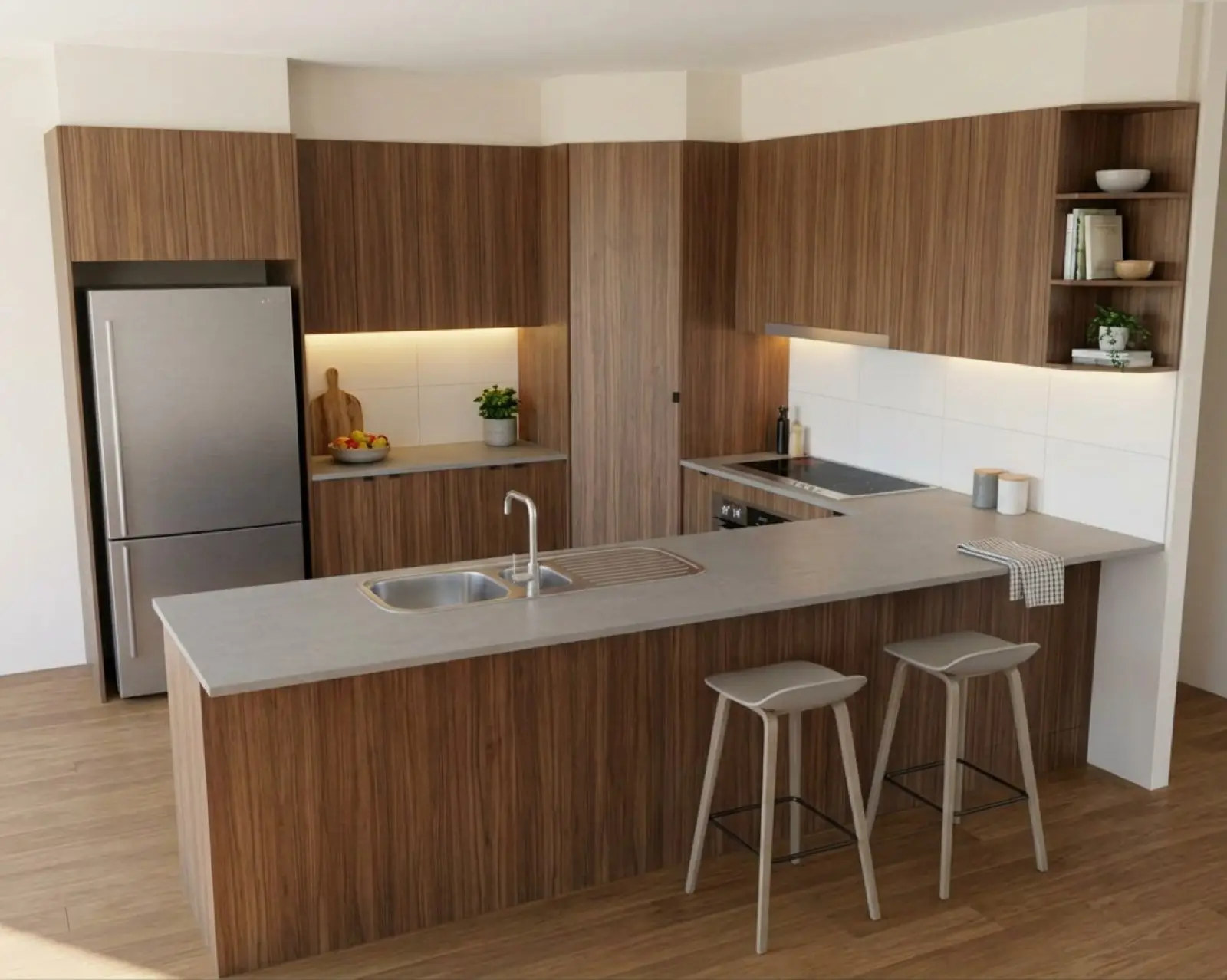
Paste the actual appliance.
A name says a bar fridge is a bar fridge. A photo says which one. Next to each detected appliance there's a paste box: right-click the appliance on the supplier's site, choose "Copy image", and paste it in, or drag the picture straight in. That photo is sent with the render, and the appliance comes back as a close likeness of it.
Image brief
Product screenshot: a detected appliance selected on the drawing, its supplier image pasted in the appliance field, and a close crop of that appliance on the resulting render. Use an approved supplier photo.
Sinks, basins, tubs and the rest.
- Bowls and drainers
- Single, double or one and a half bowl, each with no drainer or a single drainer. Double bowl with a double drainer.
- Undermount
- Single or double bowl, set under the benchtop.
- Butler's
- A butler's sink.
- Basins
- Above-counter, undermount, inset (drop-in), semi-recessed, integrated and moulded into the top, or twin basins.
- Laundry tubs
- In a cabinet, double, drop-in or undermount.
- Cooking
- Oven, cooktop, rangehood, microwave, BBQ.
- Cold
- Fridge, freezer, wine fridge, and a bar fridge with a solid door or a glass door.
- Washing
- Dishwasher, dish drawer, washing machine, dryer.
- Other
- Television.
The two bar fridges are separate because the door is the whole difference in a picture: a glass door shows its shelves and bottles, a solid one reads as a cupboard unless it's said. Vanities have basins and laundries have tubs rather than kitchen bowls; see rooms for how the app changes with the room.
Swapping one thing on a finished picture.
Object / detail, and a tap on the sink.
To swap one item on a render, like a cooktop, mark it and use Object / detail. That's the refine that lets the marked area change shape. It's covered on the edit a render page.
A tap (faucet) on the sink is part of dressing the room: tick Tap on the sink under lighting and styling and a modern mixer goes in behind the bowls.
Get the cooktop right the first time.
Your first five renders are free. No card needed.